 StreamFCMatchday & TV guide
Use StreamFC on all your devices
Link each phone, tablet and TV to one account. They all get your Pro and your playlists. Up to 5 devices.
- 1
Open Playlists on the device
A 6-character code appears. Leave it on screen.
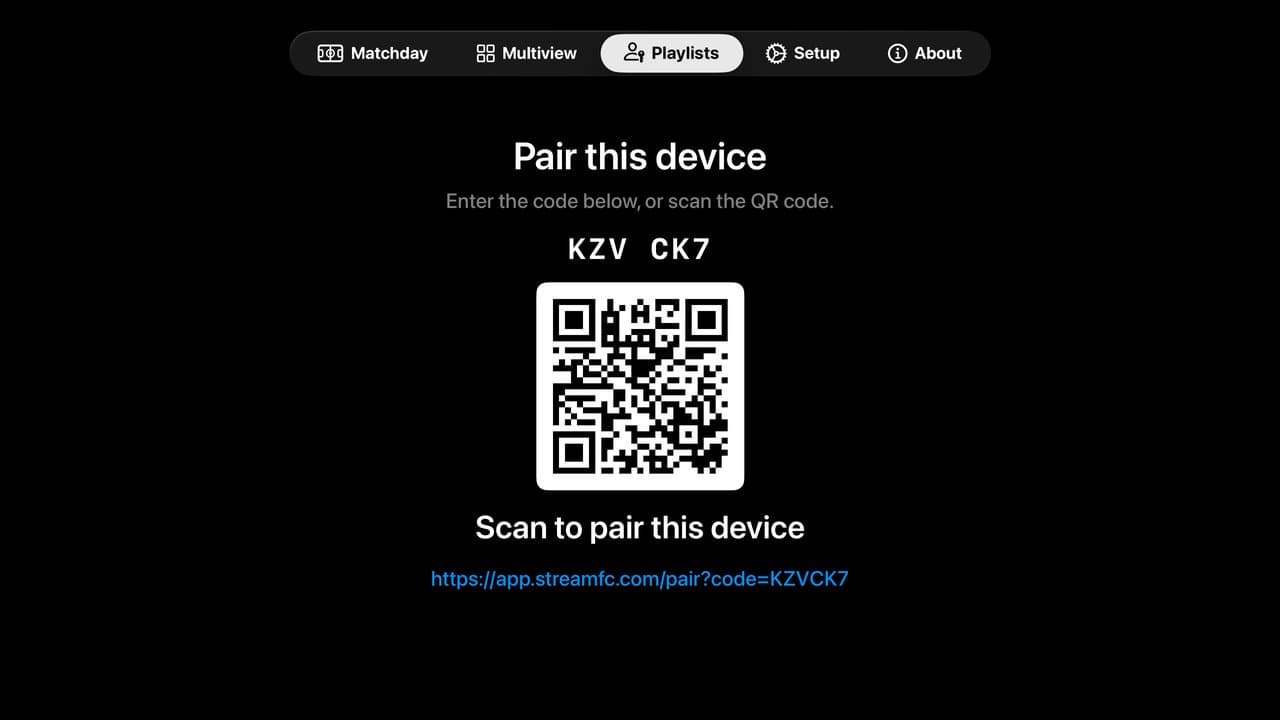
Apple: Playlists › Cloud. Android TV, Fire TV and Android phones: Playlists › Account. - 2
Sign in on your phone
Scan the QR code on the TV, or go to app.streamfc.com/pair. Sign in with your email.
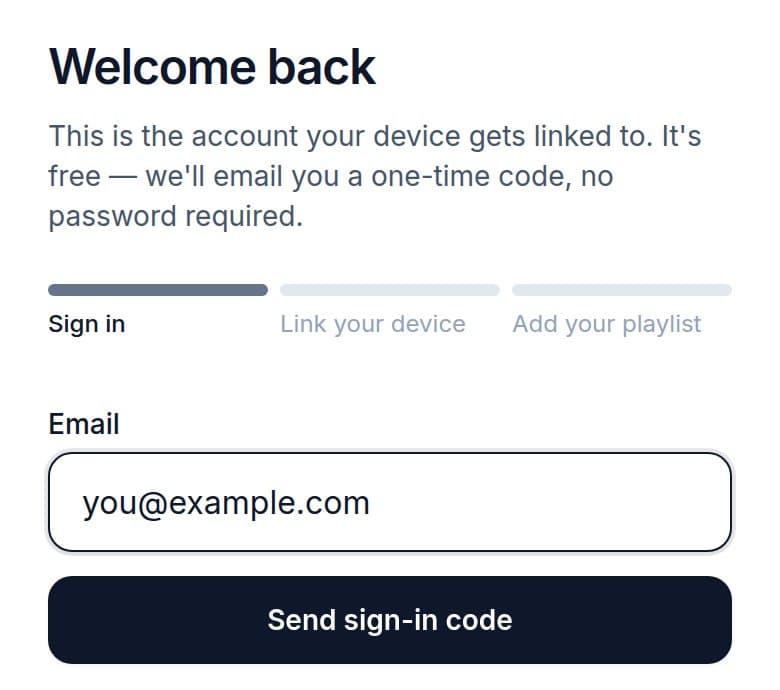
Use the same email on every device. - 3
Enter the code
Tap Pair device. Your playlists load on the device in a few seconds.
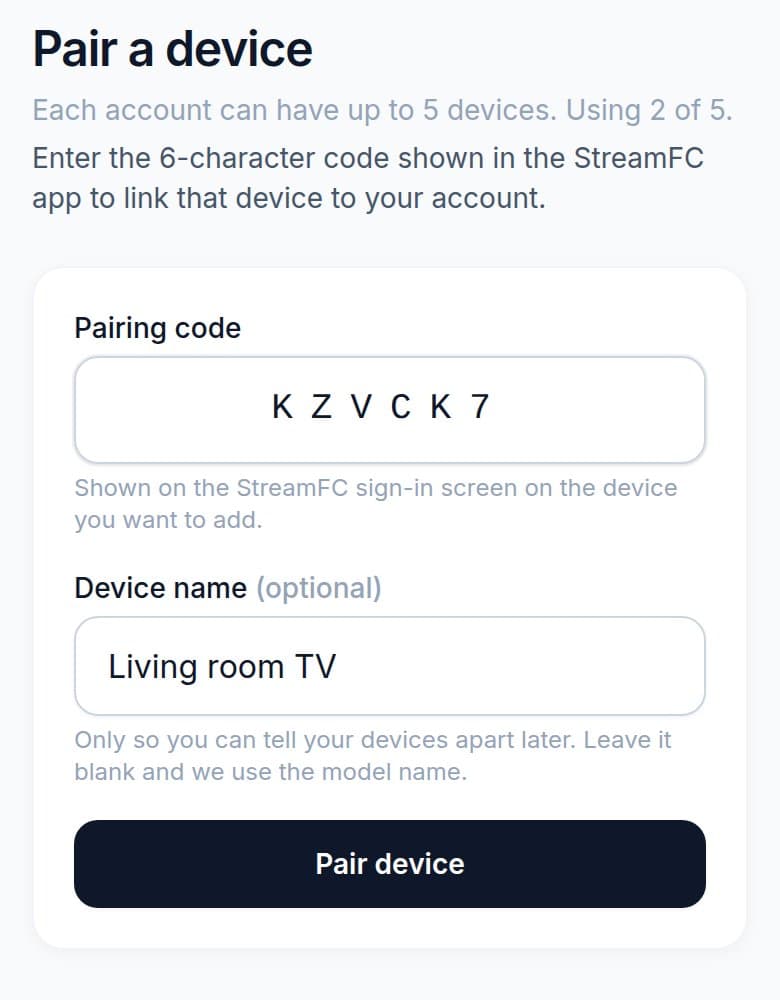
Scanned the QR code? The code is already filled in.
Bought Pro in the app? Link that device first. The purchase moves to your account, so every device you link gets Pro.
Need help?
›I can't find the code
Open Playlists. If it shows your email instead, the device is already linked.
›The code expired
The device already shows a new one. Enter that.
›Device limit reached
Delete one you no longer use on Devices.
›The TV still says Get StreamFC Pro
Open About on the TV. The email there must be the one with Pro. If not, unlink the TV in Playlists and link it again.
›Linked, but no channels
Add your provider's playlist on Playlists.